GNU Image Manipulation Program
GIMP, the free image editor: Make it yours.
The free & open source image editor for photographers, illustrators, designers and scientists. On Linux, macOS and Windows.
01 — Free software
The free & open source image editor
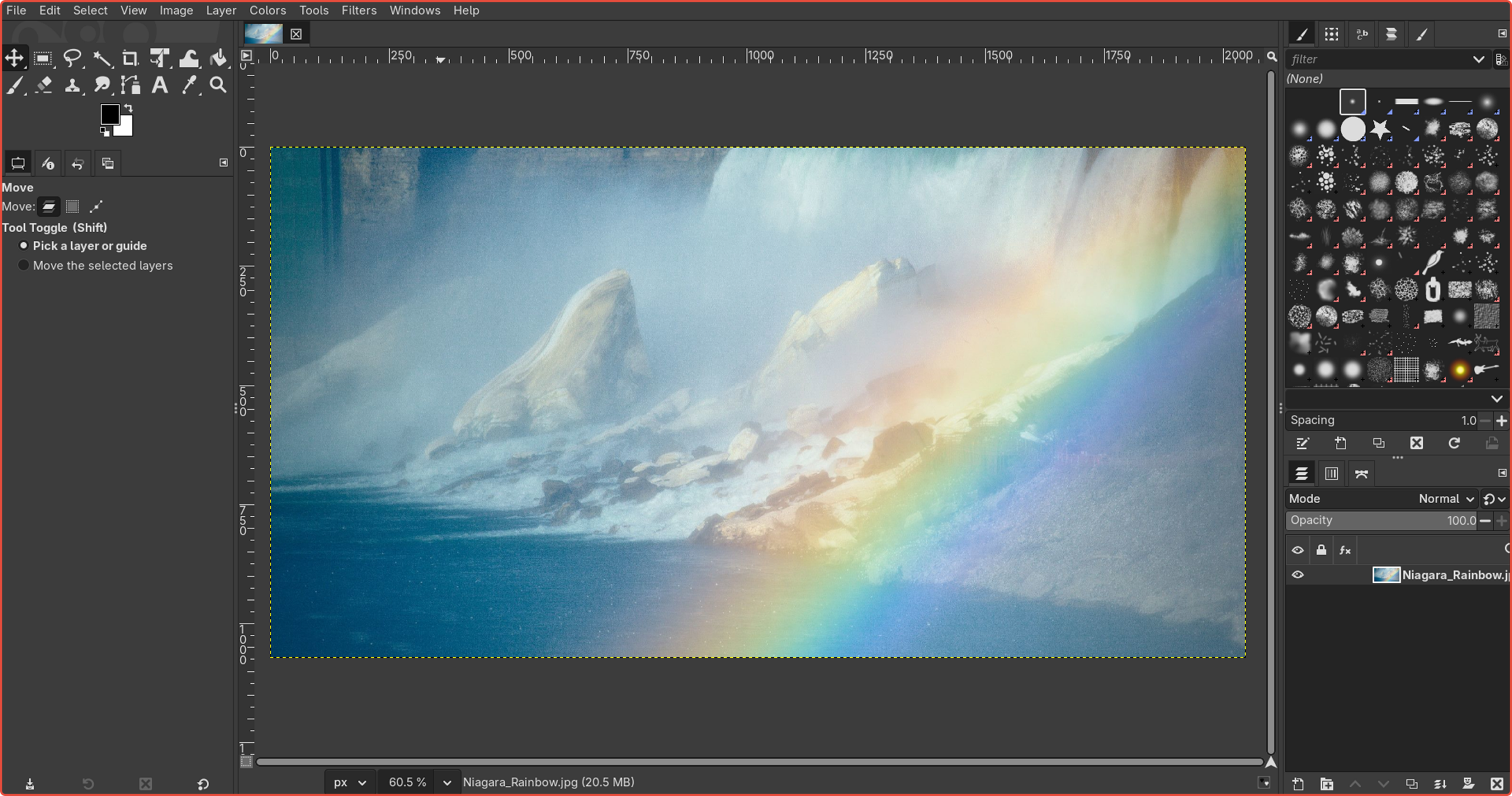
GIMP is free software (opens in a new tab). Read its source code (opens in a new tab), change it and share your changes (opens in a new tab). Sophisticated tools for every image job, shaped by thousands of plug-ins and a global community — and nobody sends you an invoice.
02 — What people make
Retouch. Compose. Author.
GIMP is the freely distributed program for every image task — developed and supported by a global community of volunteers.
-
Use case 01 of 4
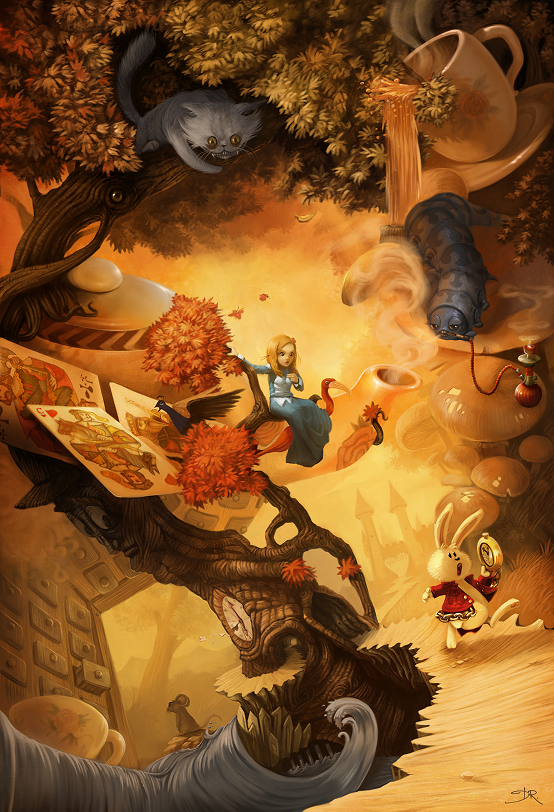
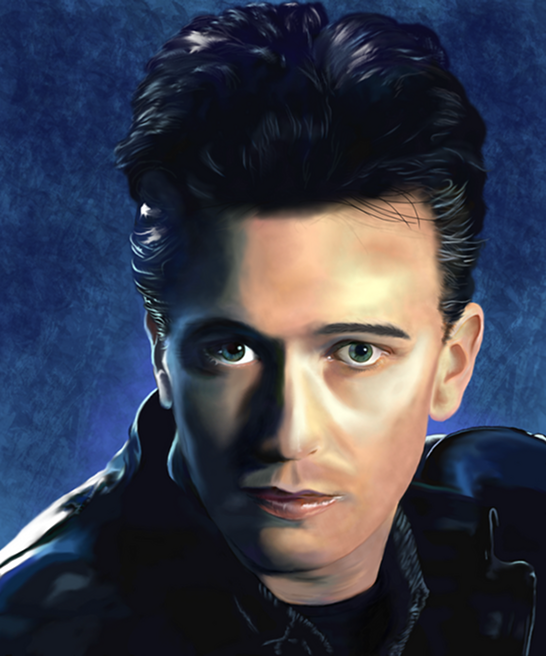
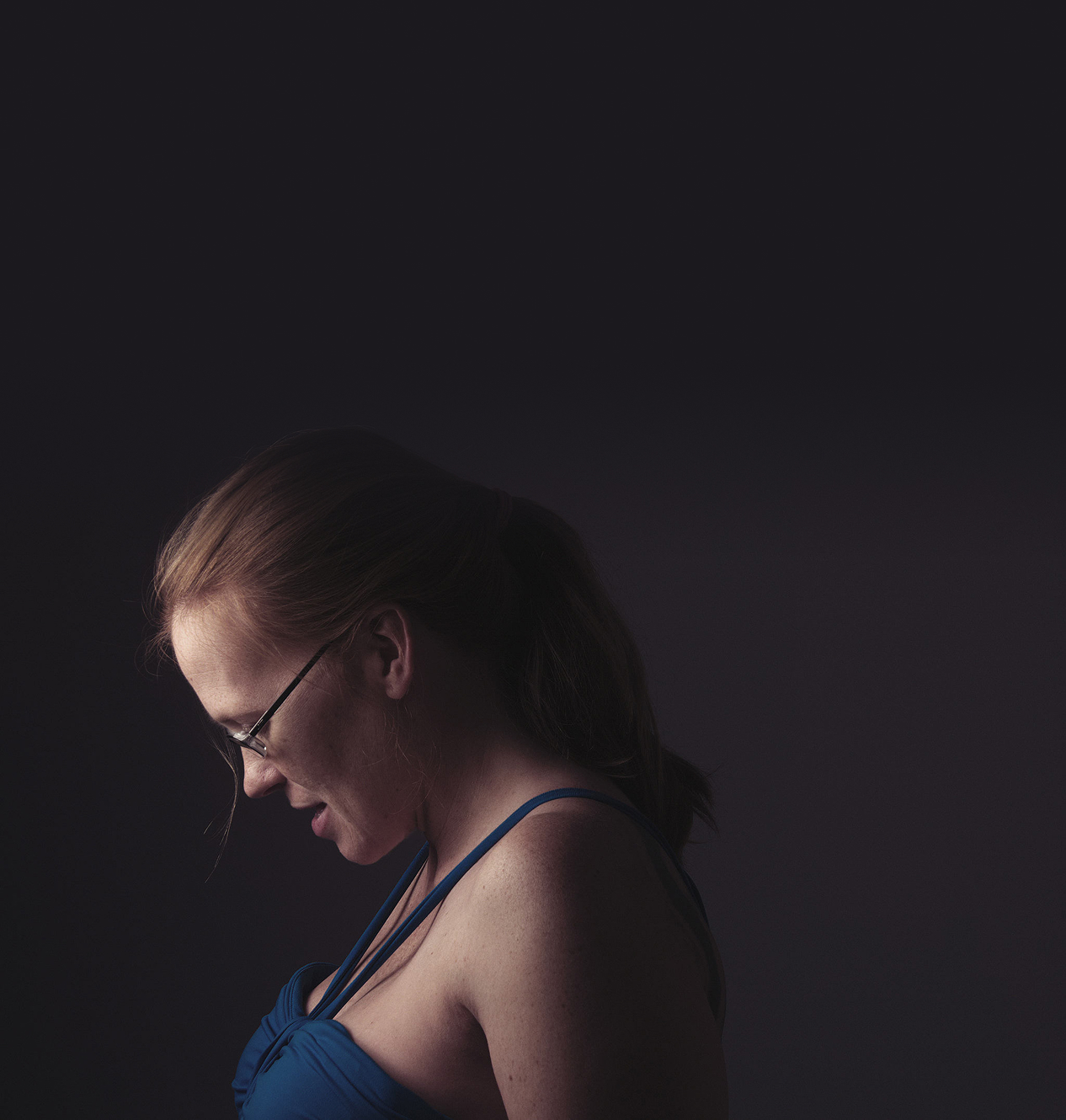
High-quality photo manipulation
Retouch, restore, relight and composite. From a quick fix to a full edit, the only limit is your imagination.
-
Use case 02 of 4
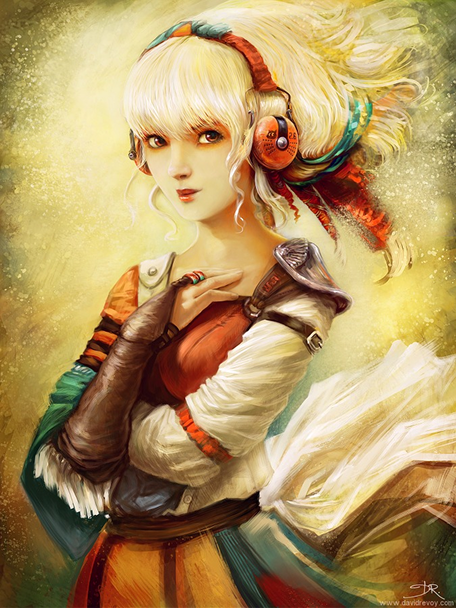
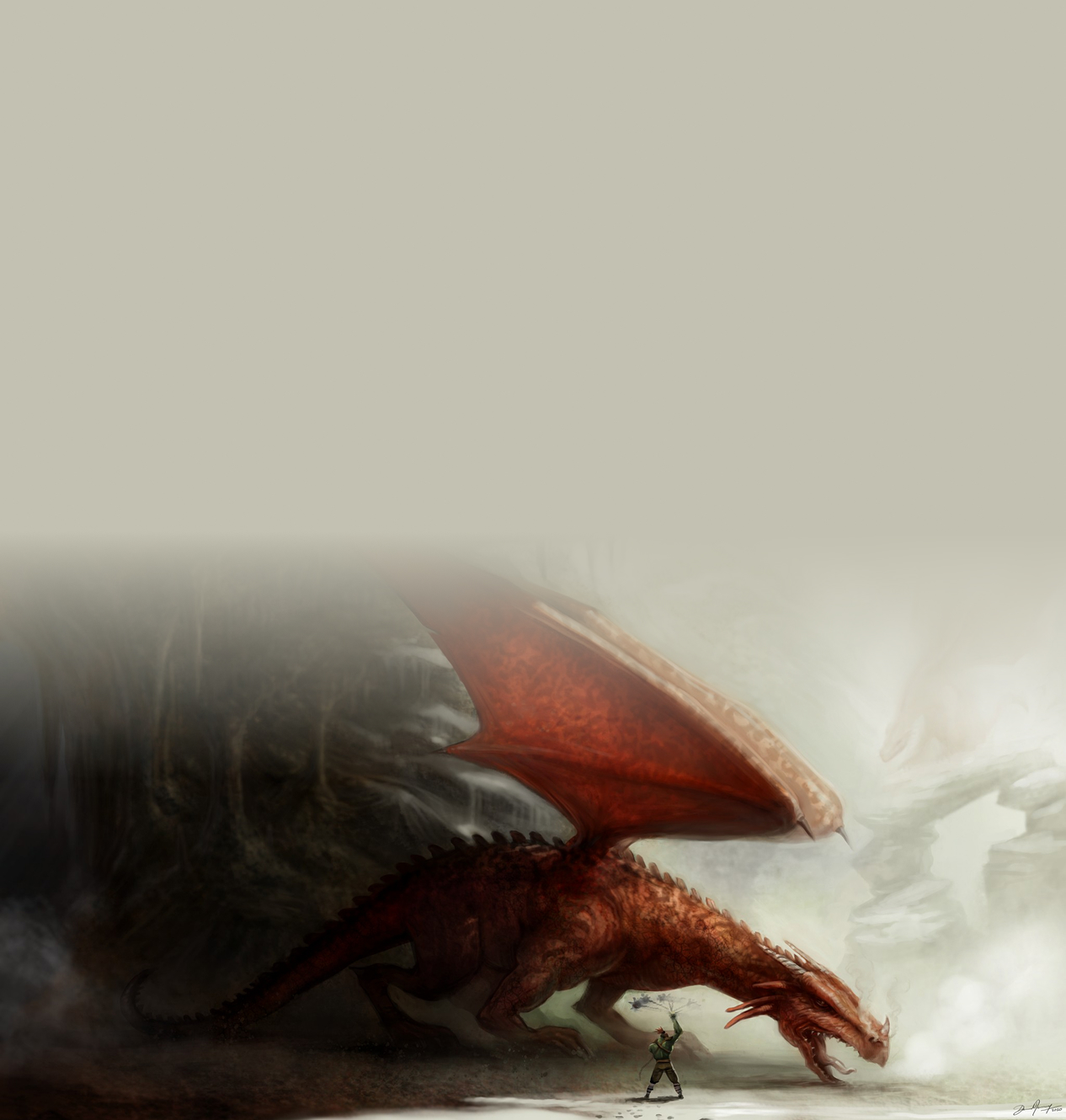
Original artwork creation
Paint from a blank canvas with pressure-sensitive brushes, smudge and MyPaint brushes — and turn ideas into finished pieces.
-
Use case 03 of 4
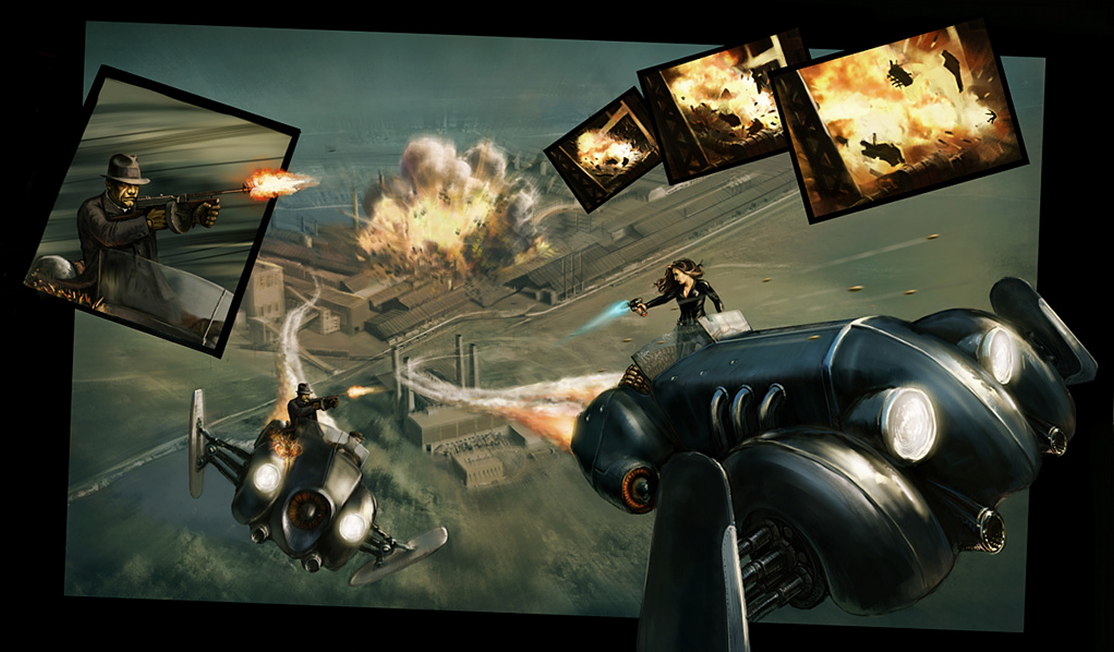
Graphic design elements
Icons, UI components, mock-ups and print assets, with paths, text tools and guides that snap to the pixel.
-
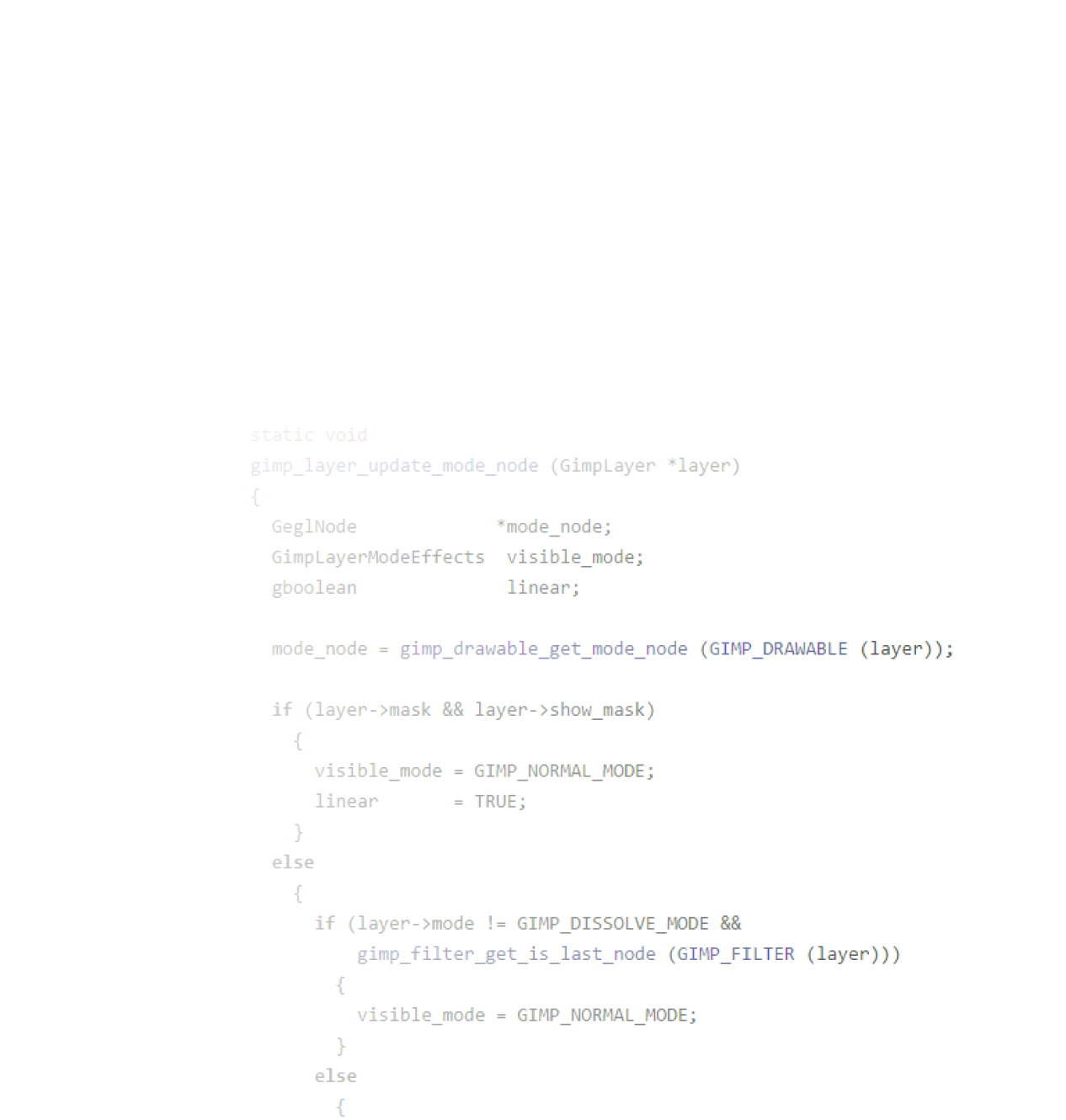
Use case 04 of 4
Programming algorithms
A high-quality framework for scripted image manipulation, with plug-ins in Python, C, Script-Fu and more.
Drag the handle or use the arrow keys. The flat “before” is simulated in your browser.
03 — The toolbox
Every pixel, negotiable.
Curves, levels, healing, perspective, masks and non-destructive filters — the same kind of tools studios rely on, without the invoice.
- Non-destructive filters
- Layer groups & masks
- Curves & levels
- Healing & clone
- Paths & text
- Colour management
- Pressure-sensitive brushes
- Scripting & plug-ins
04 — Built to be open
No walls. Just files.
GIMP doesn’t just “welcome” PSDs — it opens, edits and saves them. RAW photos, SVGs and the latest formats like AVIF and WebP work too. On Linux, Windows and macOS.
- .xcfGIMP native
- .psdPhotoshop
- .tiffPrint & archive
- .pngLossless web
- .jpegPhotos
- .webpModern web
- .avifNext-gen web
- .jxlJPEG XL
- .heifPhone photos
- .svgVector import
- .pdfDocuments
- .exrOpenEXR / HDR
- .rawCamera files*
- .ddsGame textures
- .icoIcons
* RAW files open through the free darktable or RawTherapee plug-ins.
05 — Download
No trials. No fees. No kidding.
GIMP is 100% free and open source, forever. The full, professional-grade program on every desktop platform.
Looks like you’re on your computer — we’ve put it first.
GIMP is a desktop application. Open this page on your computer to install it — the links below work there.
Linux
Your system
Our home turf. Grab the official Flatpak or a portable AppImage.
macOS
Your system
Native builds for Apple silicon (M-series) and for Intel Macs.
Windows
Your system
The complete GIMP experience, ready for Windows 10 or newer.
The current stable release of GIMP is 3.2.6 (2026-09-10). · All downloads, checksums & older versions
06 — Your studio
Your workflow. Your studio.
GIMP isn’t just a program — it’s a platform. Extend it with scripts and connect it to the rest of your creative tools.
A team player in your pipeline
Top-notch colour management keeps colours faithful from screen to print. GIMP shines next to other free software like Scribus and Inkscape.
Script it. Extend it.
Automate anything with plug-ins in many languages — the community has built thousands of them.
- Python 3
- Script-Fu
- C
- JavaScript
- Lua
- Vala
gimp -i --batch-interpreter python-fu-eval \
  -b "…your script…"
Yours to change
Released under the GNU GPL v3. Study how it works, adapt it to your needs and share the improvements with everyone.
07 — Community
Made by volunteers. Kept free by you.
Developers, designers, translators and writers build GIMP in their spare time. Donations pay for servers, hardware and developer time.